Before you start
- Windows PC with SAND: Raiders of Sophie installed
- A completed Sand Raiders of Sophie Cheats purchase
- Your order confirmation / license email
- A stable connection for first launch and updates
1. Buy and confirm your license
Open SAND cheat pricing and choose Monthly or Lifetime. Complete checkout, then save the order confirmation. Digital delivery for Sand Raiders of Sophie Cheats begins after payment is confirmed.
2. Receive delivery instructions
License details are delivered digitally. Timing can vary by payment method and order review. If nothing arrives, contact Sophie Cheats support with your order ID.
3. Launch SAND and load the package
Start SAND: Raiders of Sophie on Windows PC, then follow the delivery instructions included with your license. Keep antivirus exclusions only if your delivery notes require them for the loader files you received.
4. Configure ESP and Aimbot for Sophie
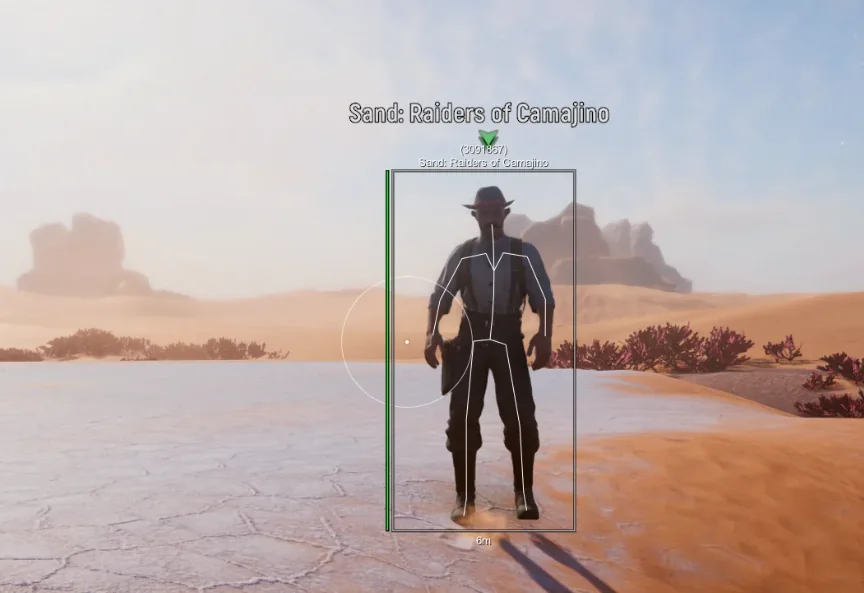
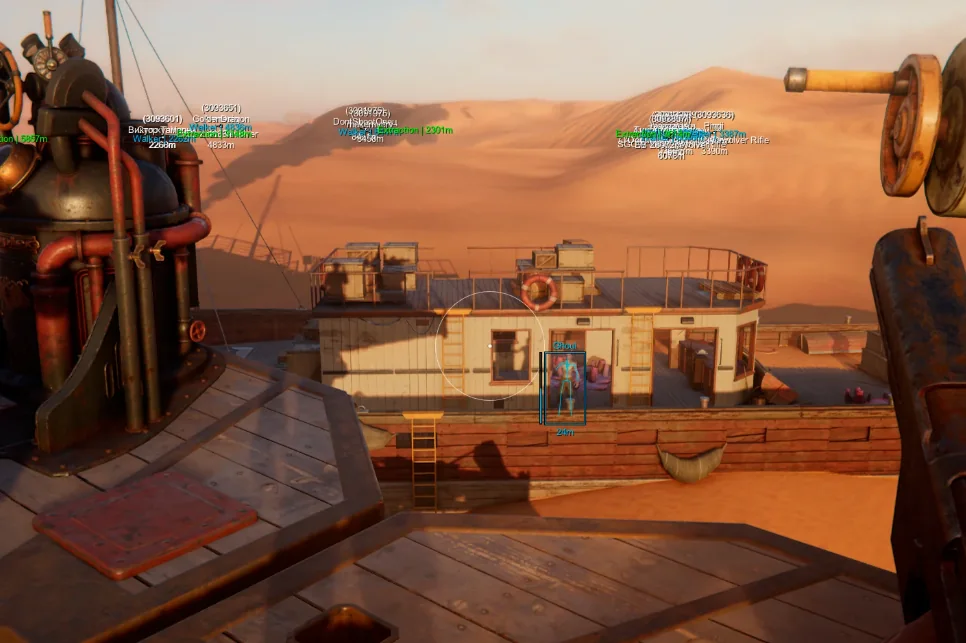
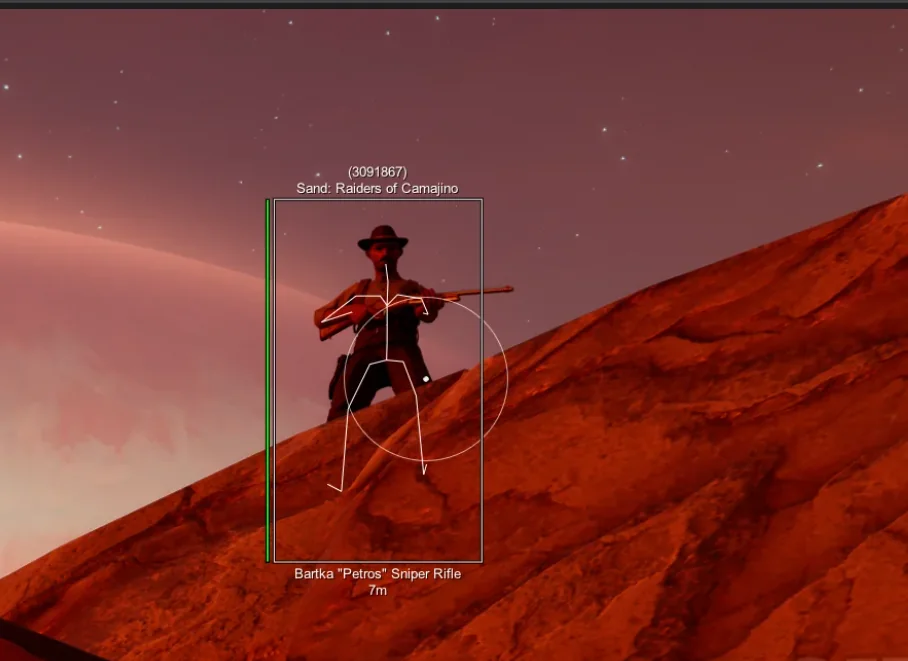
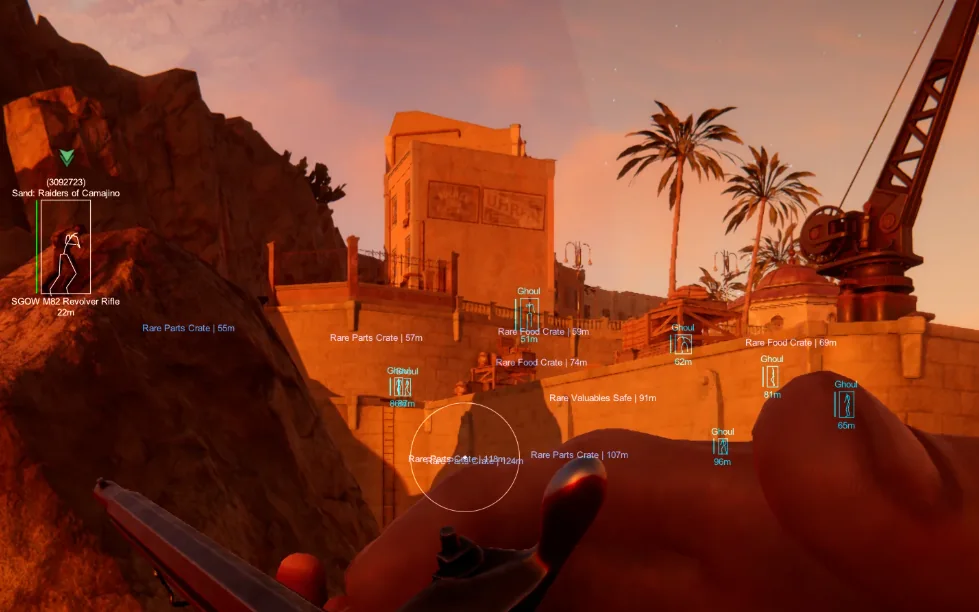
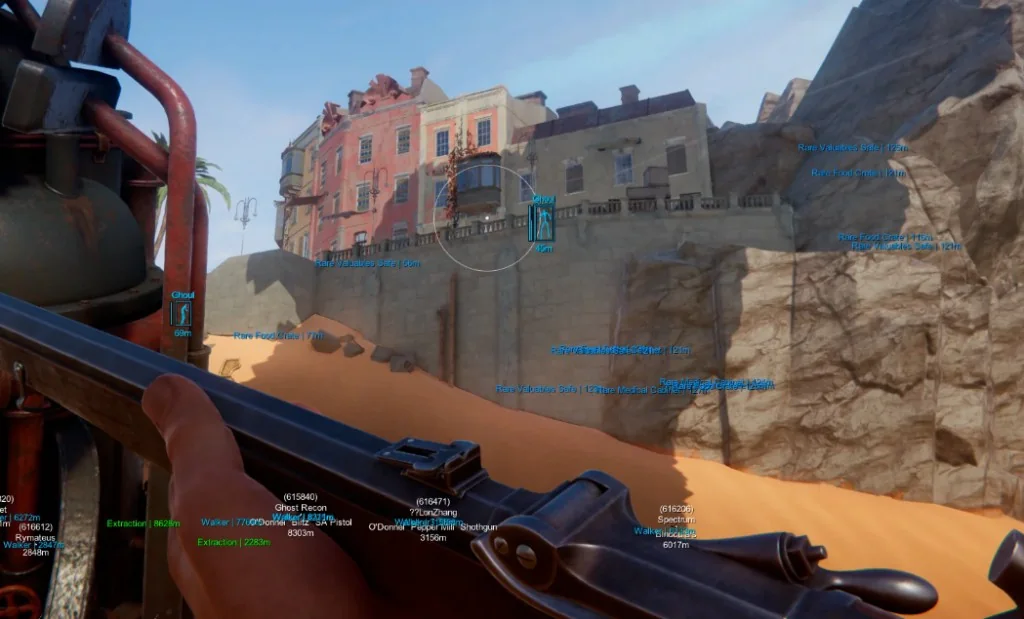
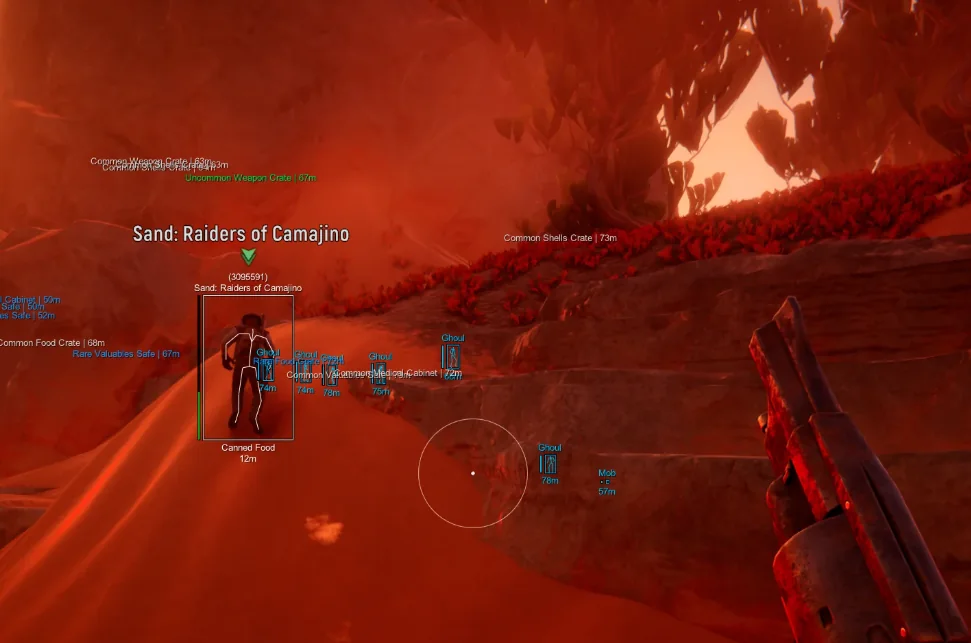
Enable raider, trampler, and loot overlays for scavenging routes, then tune Aimbot smoothness and hotkeys for dune and deck fights. Full control lists live on SAND ESP and SAND Aimbot.
5. Check updates after every SAND patch
When SAND ships a patch, open the SAND cheat update log before your next raid. If ESP or Aimbot behaves differently after a patch, email support@sandraidersofsophiecheats.net with your package length and a short description of the issue.